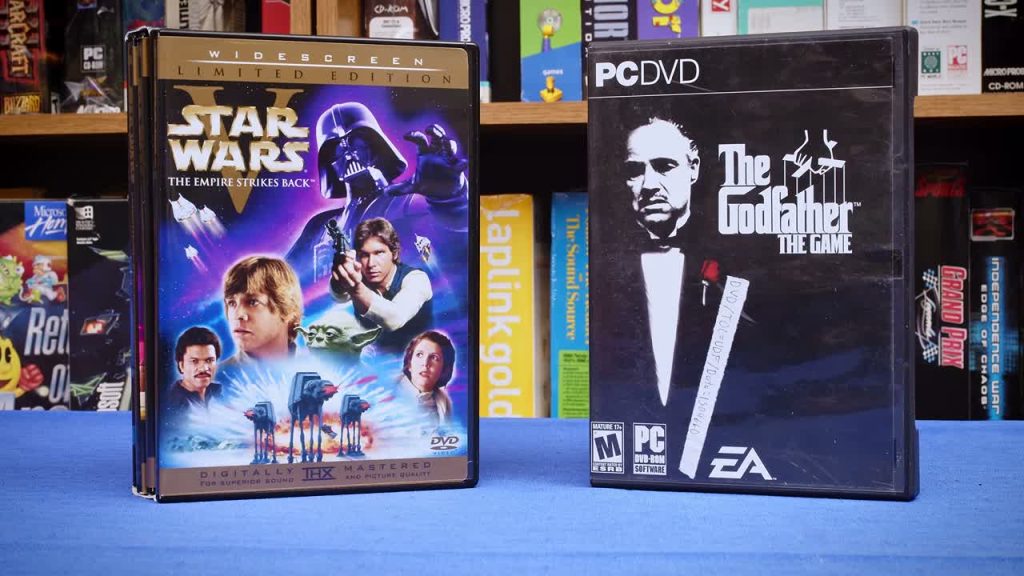
Preserving a vintage computer is not just a matter of keeping the machine running. Its disks, tapes, manuals and software boxes can be just as fragile—and each needs a different route into a useful digital archive. In a new 26-minute video published on 7 November, Tech Tangents walks through his approach to digitising the varied material that comes with old computers.
The useful angle is the range of formats, not a claim that one scanner or drive solves everything. His accompanying reference notes separate floppy disks, cassettes, paper tape, hard drives, optical media, video and printed documents, and call out awkward cases such as Apple II and Macintosh floppies. For collectors, that is a practical reminder to identify the original medium before choosing a capture method—and to keep the resulting files organised alongside the hardware they document.
Watch “State Of Archiving – How to Digitize Everything” by Tech Tangents for the overview; the linked notes provide the detailed tool and format references.